Maximize Xero for Your Small Business Accounting Needs

Updated: Apr 30
Managing finances is a critical aspect of running a small business. With the right tools, you can streamline your accounting processes, save time, and make informed decisions. One such tool that has gained popularity among small business owners is Xero. This cloud-based accounting software offers a range of features designed to simplify financial management. In this post, we will explore how to maximize Xero for your small business accounting needs, ensuring you get the most out of this powerful platform.
Understanding Xero
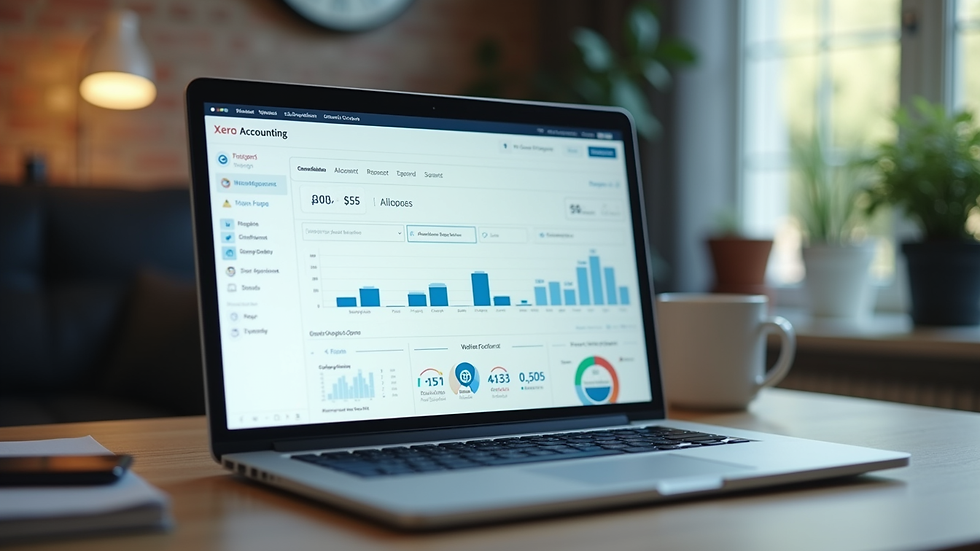
Before diving into the specifics of maximizing Xero, it's essential to understand what it is and how it works. Xero is an online accounting software that allows businesses to manage their finances from anywhere with an internet connection. It offers features such as invoicing, bank reconciliation, expense tracking, and financial reporting.
Key Features of Xero
Invoicing: Create and send professional invoices quickly. You can customize templates, set up recurring invoices, and even accept online payments.
Bank Reconciliation: Connect your bank accounts to Xero for automatic transaction imports. This feature simplifies the reconciliation process, saving you time and reducing errors.
Expense Tracking: Easily track expenses by uploading receipts and categorizing them. This feature helps you keep an eye on your spending and manage budgets effectively.
Financial Reporting: Generate various reports, including profit and loss statements, balance sheets, and cash flow forecasts. These insights are crucial for making informed business decisions.
Setting Up Your Xero Account
To get started with Xero, you need to set up your account properly. Here’s how:
Sign Up: Visit the Xero website and choose a plan that suits your business needs. They offer a free trial, allowing you to explore the features before committing.
Customize Your Settings: Once you’ve signed up, customize your account settings. This includes adding your business details, logo, and payment terms.
Connect Your Bank Accounts: Link your bank accounts to Xero for seamless transaction imports. This step is crucial for accurate financial tracking.
Set Up Your Chart of Accounts: Organize your finances by setting up a chart of accounts. This structure will help you categorize income and expenses effectively.
Maximizing Xero's Features
Now that your account is set up, let’s explore how to maximize Xero's features for your small business.
Streamlining Invoicing
Invoicing can be a time-consuming task, but Xero makes it easier. Here are some tips to streamline your invoicing process:
Use Templates: Customize invoice templates to reflect your brand. This not only saves time but also presents a professional image to your clients.
Automate Recurring Invoices: If you have clients on a subscription model, set up recurring invoices. This feature ensures you get paid on time without manual intervention.
Enable Online Payments: Integrate payment gateways like Stripe or PayPal to allow clients to pay directly from the invoice. This convenience can lead to faster payments.
Efficient Expense Tracking
Keeping track of expenses is vital for maintaining a healthy cash flow. Here’s how to make the most of Xero’s expense tracking features:
Upload Receipts: Use the Xero mobile app to take pictures of receipts and upload them directly to your account. This eliminates the hassle of keeping physical copies.
Categorize Expenses: Assign categories to your expenses for better tracking. This practice helps you identify spending patterns and areas where you can cut costs.
Set Spending Limits: Establish spending limits for different categories. This approach encourages responsible spending and helps you stay within budget.
Simplifying Bank Reconciliation
Bank reconciliation is essential for ensuring your financial records match your bank statements. Here’s how to simplify this process with Xero:
Automatic Imports: By connecting your bank accounts, Xero automatically imports transactions. This feature saves time and reduces the risk of manual errors.
Use the Reconciliation Tool: Xero’s reconciliation tool allows you to match transactions quickly. You can categorize transactions as you reconcile, making the process more efficient.
Regular Reconciliation: Make it a habit to reconcile your accounts regularly. This practice helps you catch discrepancies early and maintain accurate financial records.
Generating Financial Reports
Financial reports provide valuable insights into your business's performance. Here’s how to leverage Xero’s reporting features:
Customize Reports: Xero allows you to customize reports based on your specific needs. Tailor reports to focus on key metrics that matter to your business.
Schedule Reports: Set up scheduled reports to be sent to your email regularly. This feature keeps you informed about your financial status without having to log in to Xero constantly.
Analyze Trends: Use historical data to analyze trends in your income and expenses. This analysis can help you make informed decisions about budgeting and forecasting.
Integrating Xero with Other Tools
To further enhance your accounting processes, consider integrating Xero with other tools your business uses. Here are some popular integrations:
Payment Processors: Integrate with payment processors like Stripe or PayPal for seamless payment processing.
Inventory Management: If you manage inventory, consider integrating with inventory management software to keep track of stock levels and sales.
CRM Systems: Connect Xero with your customer relationship management (CRM) system to streamline invoicing and customer data management.
Best Practices for Using Xero
To get the most out of Xero, follow these best practices:
Regular Updates: Keep your software updated to access the latest features and security enhancements.
Training: Invest time in training yourself and your team on how to use Xero effectively. Xero offers various resources, including webinars and tutorials.
Backup Data: Regularly back up your financial data to prevent loss. Xero automatically backs up your data, but having an additional backup is always a good practice.
Conclusion
Maximizing Xero for your small business accounting needs can significantly improve your financial management processes. By leveraging its features, streamlining invoicing, tracking expenses efficiently, simplifying bank reconciliation, and generating insightful reports, you can make informed decisions that drive your business forward.
Take the time to explore Xero’s capabilities, integrate it with other tools, and follow best practices to ensure you are getting the most out of this powerful accounting software. Start today, and watch your business thrive with better financial management.


Comments